
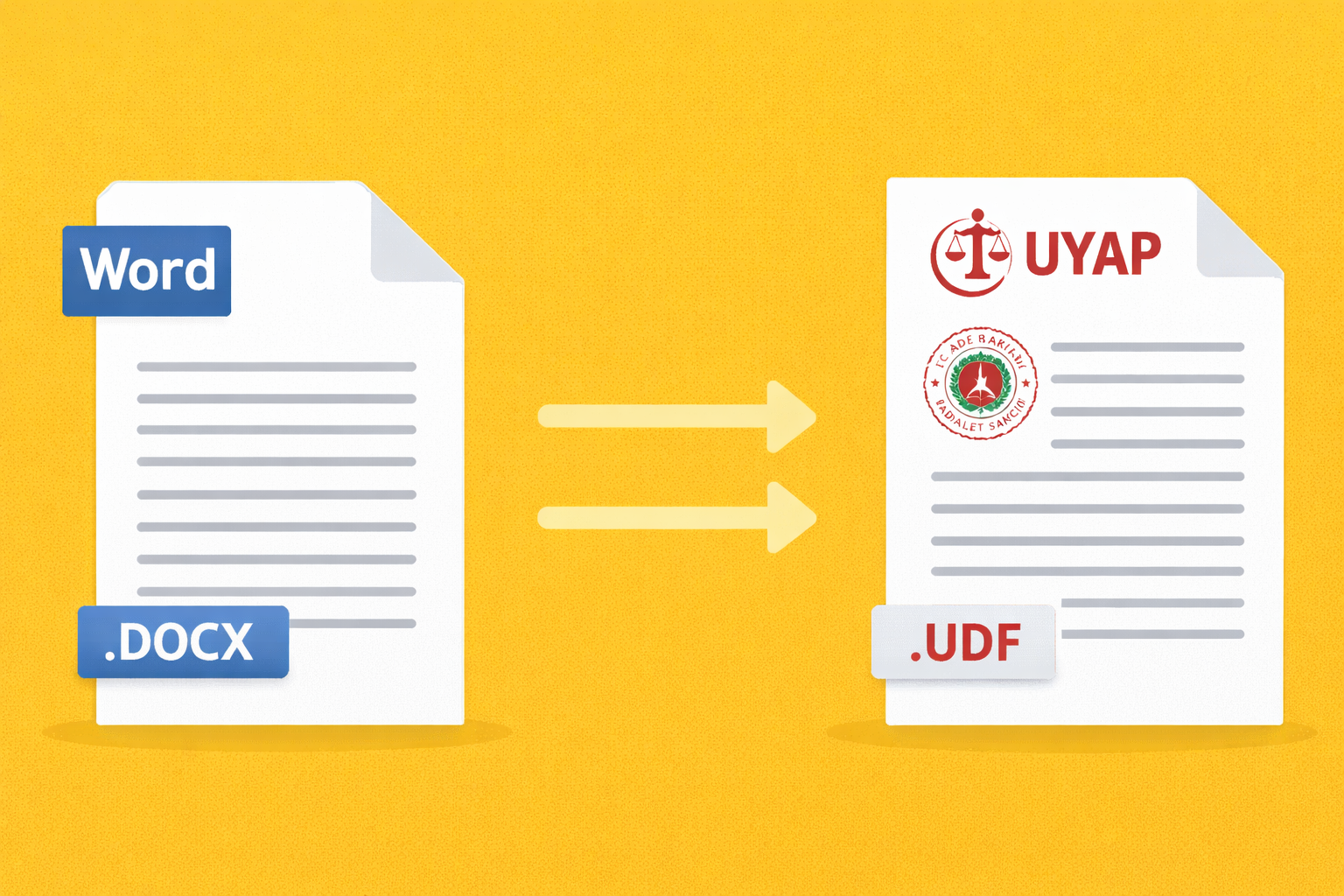
Converting Word documents to UDF format compatible with UYAP is a common task for lawyers and legal professionals in Turkey. In this updated 2026 guide, we explain how to convert DOCX files to UDF format step by step and introduce a faster automated solution.
What is the UDF Format?
UDF is the file format used by UYAP (National Judiciary Informatics System) in Turkey. Legal documents uploaded to court systems often need to be converted into this format before submission.
Typical examples include:
Petitions (Dilekçe),
Legal responses,
Evidence documents,
Court applications,
Legal notices
Because most lawyers prepare their documents in Microsoft Word (.docx), converting them to UDF format becomes a necessary step before uploading them to UYAP.
Why Convert Word to UDF?
Legal professionals frequently face these challenges:
Manual formatting issues when converting documents,
Compatibility problems with UYAP,
Time loss when preparing large numbers of documents,
Errors caused by incorrect templates
For lawyers and legal assistants who handle dozens of documents daily, manual conversion can significantly slow down their workflow.
Manual Method: Converting Word to UDF
The traditional method usually involves the following steps:
Prepare the legal document in Microsoft Word.
Ensure the document follows UYAP formatting requirements.
Use a compatible conversion tool.
Upload the converted UDF file to UYAP.
Although this method works, it can be slow and error-prone, especially when handling multiple files.
A Faster Method: Automatic DOCX → UDF Conversion
Modern tools allow you to convert documents automatically.
With automated conversion tools you can:
Convert DOCX files to UDF instantly,
Avoid formatting errors,
Process multiple documents quickly,
Maintain UYAP compatibility,
This significantly speeds up daily legal document workflows.
ZYGSOFT UDF Converter
The ZYGSOFT Legal Toolkit includes a powerful DOCX → UDF converter designed for legal professionals.
Key benefits:
Instant Word to UDF conversion,
UYAP compatible output,
Batch document processing,
OCR text extraction for scanned files,
PDF conversion tools,
Secure processing (documents are deleted after processing).
These tools help law firms and legal professionals automate document preparation and save time.
How It Works
Using the tool is simple:
Upload your Word document (.docx)
Start the automatic conversion
Download the UYAP-compatible UDF file
The process takes only a few seconds.
Who Should Use This Tool?
This solution is ideal for:
Individual lawyers
Law firms
Legal assistants
Corporate legal departments
Professionals who frequently work with UYAP documents
Conclusion
Converting Word documents to UDF no longer needs to be complicated.
With modern tools, the process can be completed in seconds and without formatting errors.
If you frequently work with UYAP documents, using a professional tool can save significant time and reduce mistakes.
👉 Learn more about the tool here:
https://zygsoft.com/dijital-urunler/hukuk-araclari-paketi
Author
ZYGSOFT
ZYGSOFT team
Comments
No comments yet. Be the first to comment.
Sign in to join the discussion
You need to be signed in to comment and like stories.